

To use ActiveWords Sync with Citrix ShareFile, create an ActiveWords Sync folder in ShareFile and then point each ActiveWords installation to that folder.
Create the ShareFile Folder
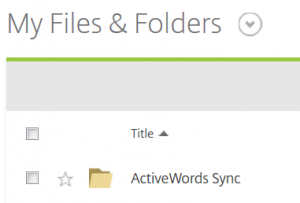
Log in to your ShareFile account and add an empty folder named ActiveWords Sync to My Files & Folders.
Set Up Each Computer
- Install ShareFile Sync for Windows. You must first have a ShareFile account.
- Follow the standard ActiveWords Sync instructions.
- Select Other in the ActiveWords Sync options dialog.
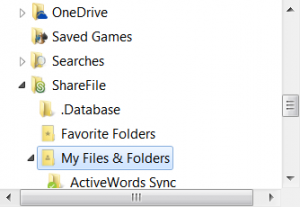
- Browse to and select this folder:
C:\Users\[username]\ShareFile\My Files & Folders.
- Click Apply.
Note: ShareFile is an enterprise solution, so file and folder permissions may be managed by your IT staff. If ActiveWords Sync setup fails, consult your IT staff before contacting ActiveWords support.
