Support and Learn
This page covers virtually all support issues for the latest version of ActiveWords and access to free email support.
Please take some time and first look in our FAQs below.
If you can't find what you are looking for you can create a new ticket or view my open tickets
For help with ActiveWords 4 click here.
Search All Topics
Most Viewed
All Topics
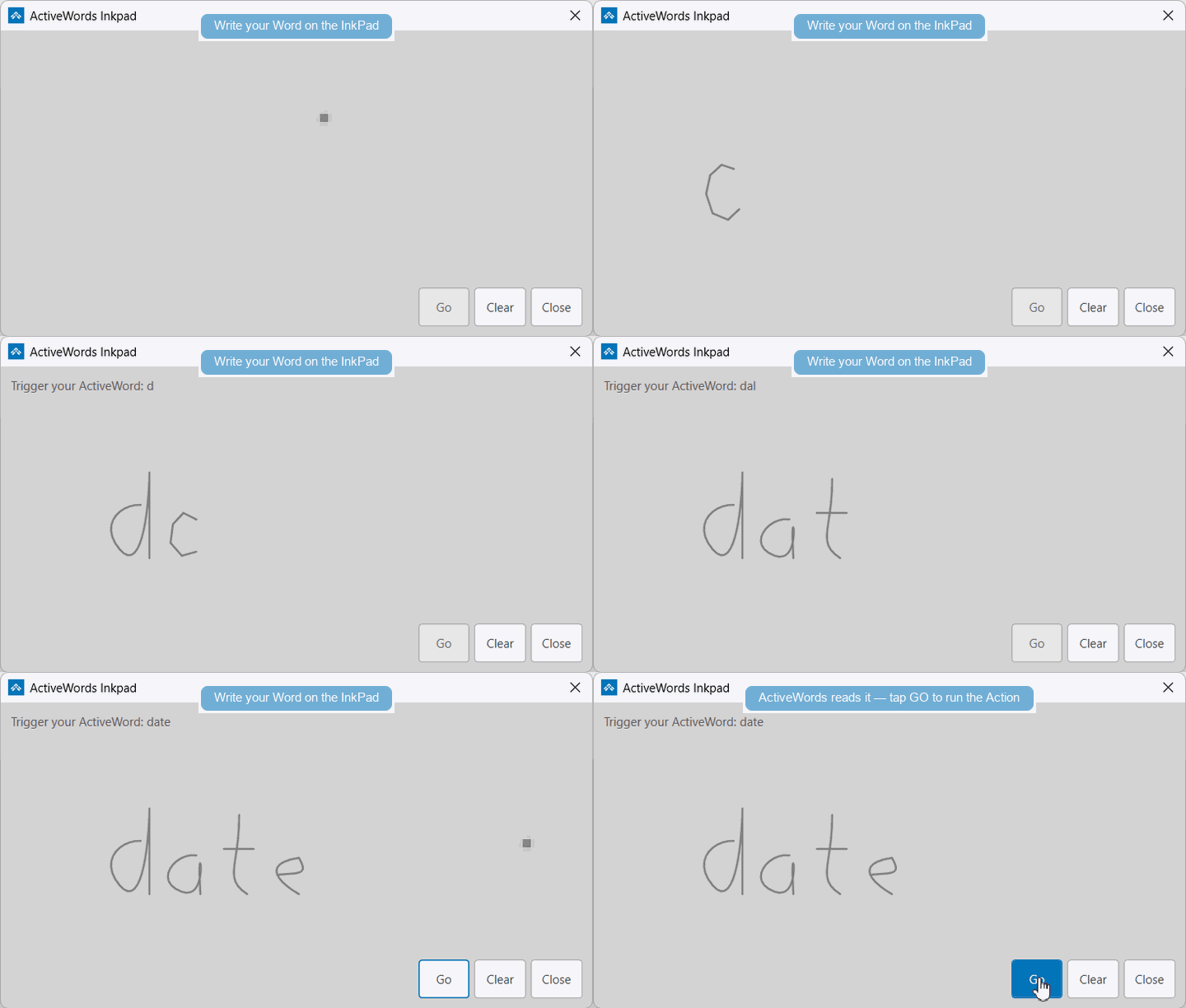
InkPad lets you use ActiveWords with touch input. Tap the ActiveWords icon to open InkPad, write your Word, then tap GO to trigger the associated Action.
Touch Options
- Use InkPad to ink or draw a Word on a touch screen.
- Use the Windows on-screen keyboard to type Words without a physical keyboard.
See It In Action