
ActiveWords can import data from ActiveWords data files, CSV files, and Microsoft Word AutoCorrect entries.
Import ActiveWords Data Files
ActiveWords data files use the .awdb extension. Open a file directly, or import it from the ActiveWords icon right-click menu by selecting Import. ActiveWords data files include free Addins and .awdb files exported from ActiveWords.
Import CSV Data Files
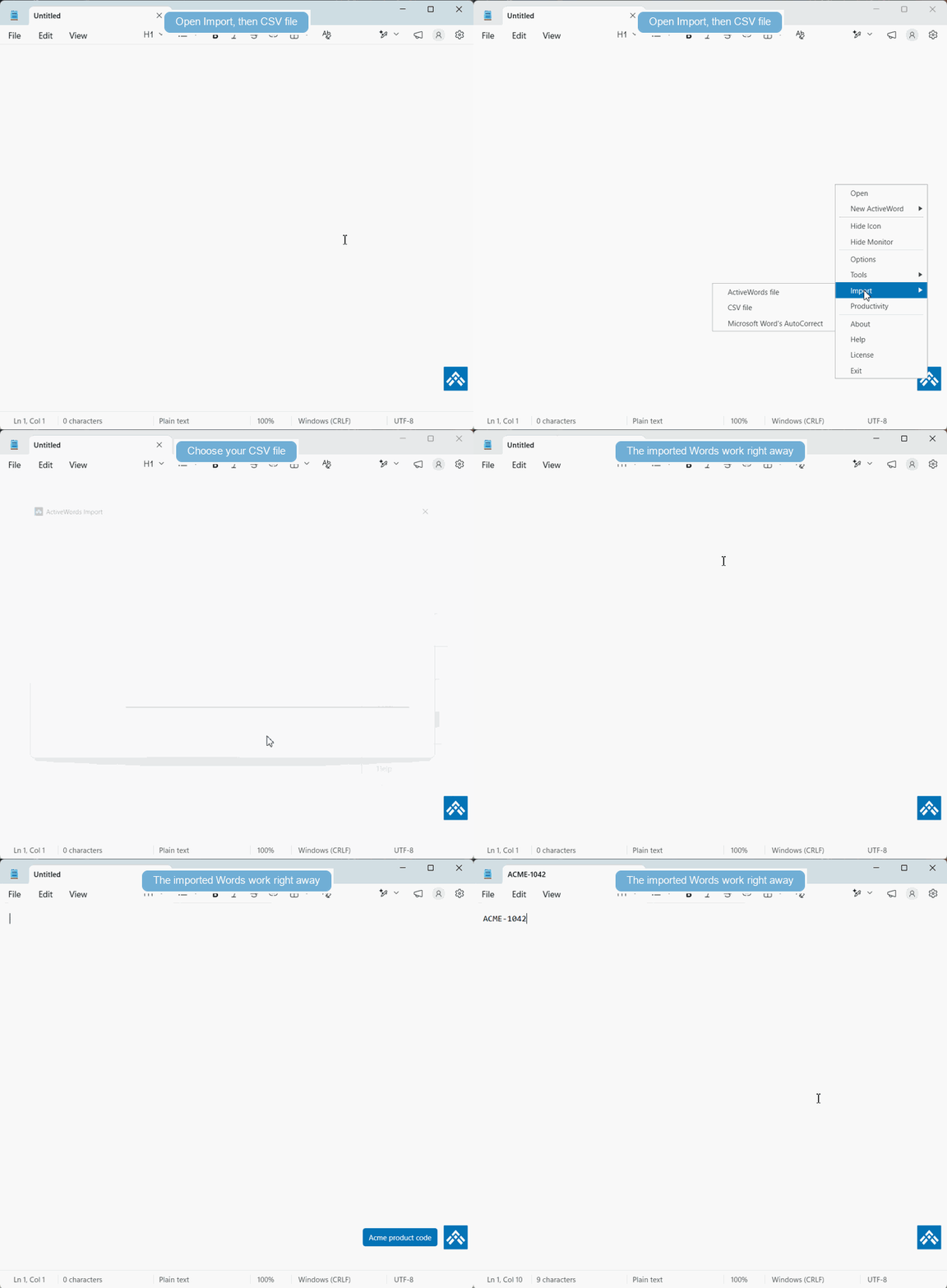
Download the ActiveWords 5 CSV Import Template.
Examples of CSV imports include:
- Product codes linked directly to URLs with product information.
- Stock trading symbols linked directly to URLs with quotes and company information.
- Words that trigger when followed by a single delimiter, including corrections such as
do'nt<space>todon't<space>. - Enterprise terms linked to approved text substitutions, such as liability waiver.
Import Microsoft Word AutoCorrect Data
ActiveWords can import Microsoft Word plain text AutoCorrect entries. The Word Replace text as you type control remains active if it was active at the time of import. ActiveWords Substitute Text Actions dominate AutoCorrect entries.
