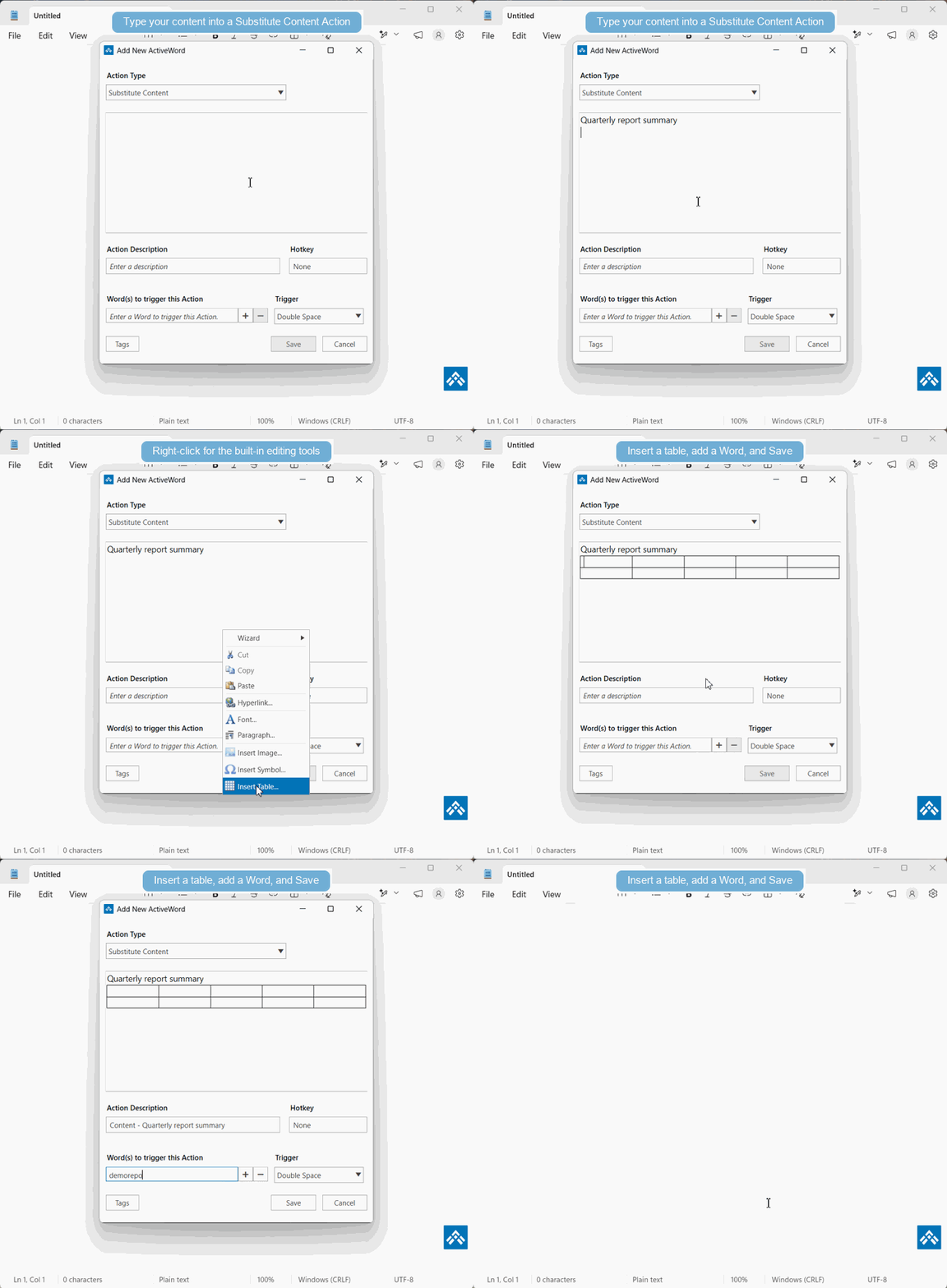
Drag and drop is a quick way to create Substitute Content Actions, but sometimes the imported formatting is not exactly what you need. You can manually create or edit Substitute Content Actions using the tools built into ActiveWords.
When To Edit Manually
- Web page or document formatting does not paste cleanly.
- You need to adjust text, spacing, links, or images after creating the Action.
- You want more control than drag and drop provides.
See It In Action